How it works
Believe it or not, Snapchat actually allows you to restore a lost "snapstreak". That is, if you’re willing to fill out the form at https://spr.ly/help.
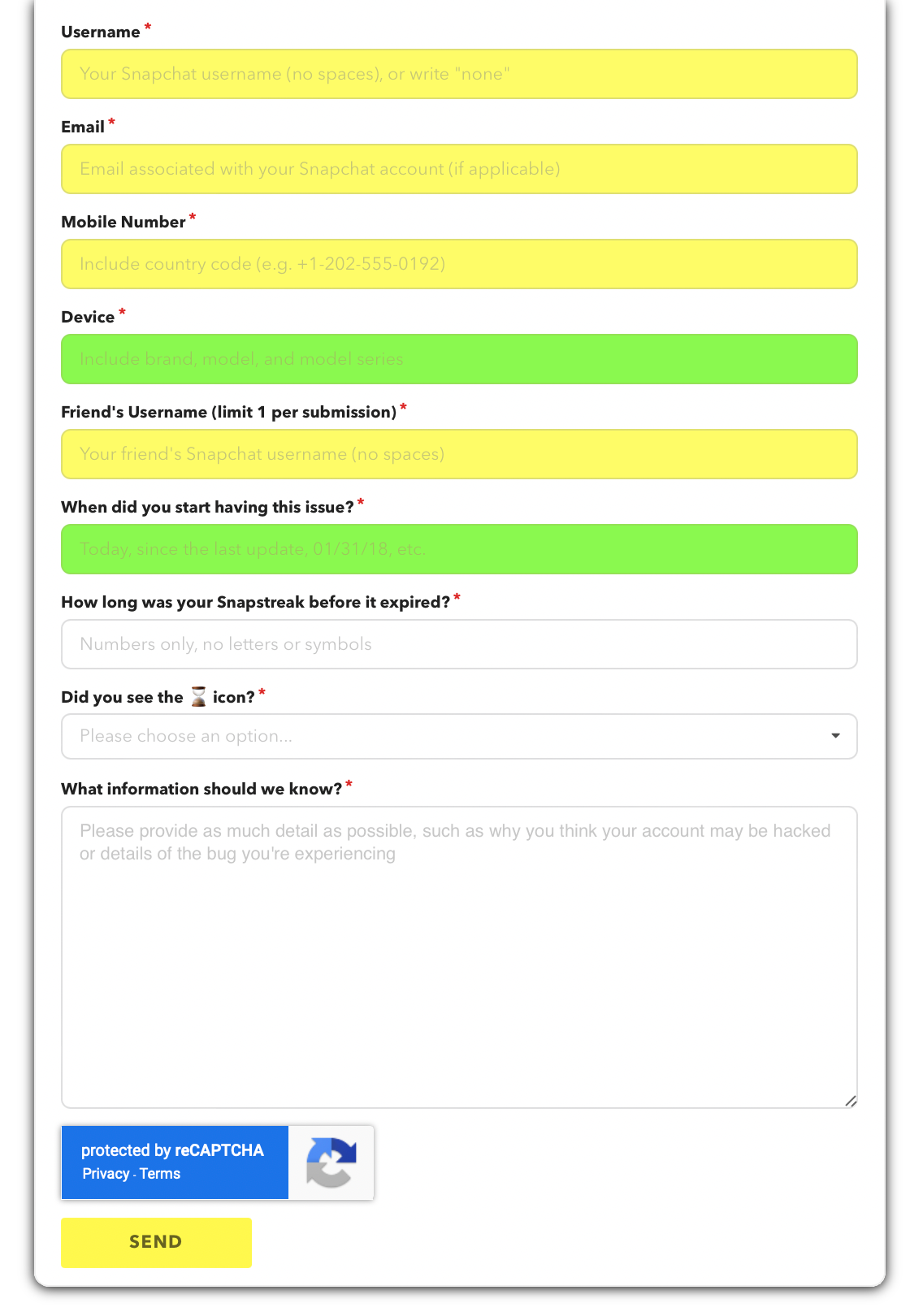
This app quite simply helps you to submit requests to this form with minimal effort by automating the process behind the scenes. When you set up the app, you’re asked to provide details about your Snapchat account. This information gets injected into the form every time you submit a restore request, along with your specified friend’s username and some other generic, non-user-specific information (ie: date, comment, device, etc.).
It is crucial that the information matches that of your Snapchat account, if it does not, none of your requests will be recognized and the streak will not get restored.
There is simply no need to worry about your privacy while using this app as no data you input is ever sent anywhere besides to Snapchat for processing. The details you provide during setup are stored on-device only and can be cleared at any time by selecting “Reset App” in the settings menu.